
How to Opt Out of Meta AI Training: Step-by-Step Guide for iOS and Android

Introduction
As artificial intelligence continues to grow, many users are becoming concerned about how their data is used for AI training. In particular, Meta (formerly Facebook) uses user data across its platforms to improve its AI models. If you’re an iOS or Android user and want to prevent your data from being used for Meta AI training purposes, this guide will show you exactly how to opt out. We’ll cover step-by-step instructions, explain what it means, common mistakes to avoid, and practical next steps to safeguard your data privacy.
Background: What Is Meta AI Training and Why Opt Out?
Meta leverages vast amounts of user-generated content — including text, images, voice inputs, and interactions — to train AI models that enhance its services such as Facebook, Instagram, WhatsApp, and Messenger. While this helps Meta create smarter AI for features like content moderation, personalized recommendations, and new tools, many users prefer to keep their personal data private and not contribute to AI training.
Opting out means you tell Meta not to use your activity data for training its artificial intelligence algorithms. For privacy-conscious users, developers, or businesses, this is an important step toward maintaining control over your digital footprint.
Prerequisites: What You Need Before Starting
- A smartphone running iOS (iOS 14 or later recommended) or Android (Android 10 or later recommended).
- Installed the latest version of Meta apps like Facebook, Instagram, Messenger, or WhatsApp.
- A Meta (Facebook) account logged in on your device.
- Basic familiarity with app settings navigation.
With these ready, you can begin the opt-out process tailored for your platform.
How to Opt Out of Meta AI Training on iOS
Step 1: Open the Meta App Settings
Open the Facebook or Instagram app on your iPhone or iPad. Once logged in, tap the menu icon (three horizontal lines) in the bottom right corner.
Step 2: Navigate to Privacy Settings
Scroll down and select “Settings & Privacy” > “Settings.” Then, under the Privacy section, look for options related to “Data Settings” or “Face Recognition.”
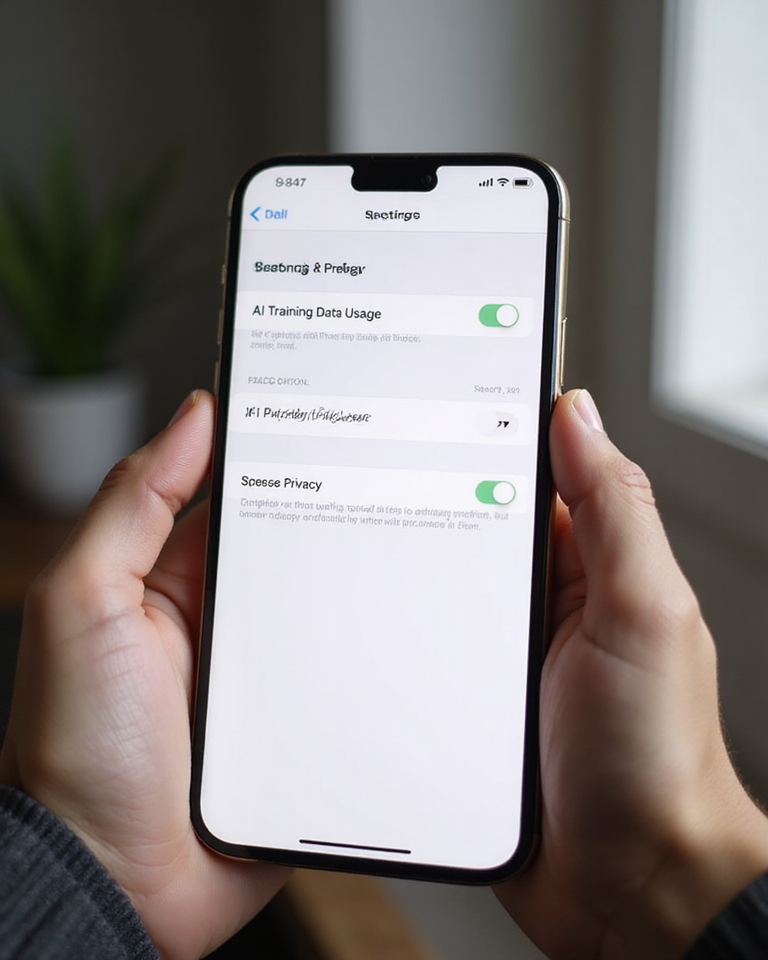
Step 3: Locate AI Training or Data Usage Settings
Meta may group AI training permissions under titles like “Data for AI Training,” “Use of Your Data,” or “Face Recognition.” Tap into these sections to find granular controls.
Step 4: Disable AI Training Permissions
Toggle off any setting that allows Meta to use your content or interactions for AI training purposes. Confirm any prompts to save or apply these changes.
Step 5: Adjust Additional Privacy Controls
Also consider adjusting your ad settings and facial recognition settings under Privacy to further enhance your data privacy.
Step 6: Update iOS System Settings
Go to your iPhone’s Settings > Privacy > Analytics & Improvements. Disable “Share iPhone & Watch Analytics” to reduce data sharing with Apple and linked services.
How to Opt Out of Meta AI Training on Android
Step 1: Open Meta App on Your Android Device
Open Facebook, Instagram, or Messenger on your Android phone. Tap the menu icon (three horizontal lines) usually located at the top right.
Step 2: Access Settings & Privacy
Scroll and select “Settings & Privacy” > “Settings.” Look for the “Privacy” or “Data Usage” section.
Step 3: Find AI Training or Data Permission Options
Look for permissions related to “AI Training,” “Data for Research,” or “Face Recognition.” These settings control if your data is used to improve Meta’s AI systems.
Step 4: Turn Off AI Training Data Sharing
Toggle off any options granting Meta permission to use your content for AI training. Confirm changes where required.
Step 5: Review Additional Privacy Features
Check ad preferences, facial recognition, and data privacy options on your app to tighten your overall privacy settings.
Step 6: Disable Analytics Sharing at System Level
On Android Settings, go to Privacy > Usage & Diagnostics and disable “Send Usage Data” or similar options to reduce background data sharing.
Common Mistakes to Avoid
- Not checking all Meta apps: Meta’s AI training data may come from multiple apps. Opt out in all apps you use.
- Skipping system-level settings: App settings alone may not prevent OS-level data sharing, so change system analytics settings.
- Ignoring new updates: Meta updates settings interfaces often. Review settings after app updates regularly.
- Confusing privacy with ad preferences only: Opting out of ads is not the same as opting out of AI training data use.
- Not confirming changes: Some settings require you to confirm or save changes; missing this step means changes won’t apply.
Troubleshooting Tips
If you don’t see the option to opt out: Meta is rolling out AI training opt-out features gradually. Update your apps and check back regularly. Consider logging out and back in or reinstalling the apps.
If settings revert: Make sure you confirm and save changes. Reboot your device to ensure settings stick.
Facing difficulty navigating settings? Use app search features to look for “AI training,” “data usage,” or “privacy.” Meta’s Help Center online may also provide updated guides.
Practical Examples
Example 1: Maria uses Facebook and Instagram on iPhone. She disables AI training options in both apps and turns off analytics sharing on iOS. Over time, she notices fewer personalized content suggestions and feels more in control of her privacy.
Example 2: John is an Android user who regularly uses Messenger. He follows the opt-out steps for Messenger and system privacy settings. He confirms the changes and periodically checks for updates to keep control over his data.
Why This Matters: Benefits of Opting Out
- Increased privacy: Your personal data and interactions will not be used to train AI models.
- Greater control: You decide how your data is collected and used.
- Transparency: Become aware of how apps use your data and prevent unwanted sharing.
- Reducing data footprint: Limits how much of your data contributes to AI development.
Limitations to Keep in Mind
Opting out does not remove data that Meta already has collected, nor does it guarantee all data sharing stops as some data may be anonymized or aggregated. Also, some features dependent on AI may function differently or lose personalization after opting out.
Recommendations for Next Steps
- Regularly review Meta app and system privacy settings after updates.
- Consider using additional privacy tools like VPNs or ad blockers.
- Explore Meta’s privacy dashboard regularly to monitor data usage.
- Stay informed about the latest privacy policies from Meta and adjust settings accordingly.
Frequently Asked Questions (FAQ)
1. Will opting out affect my Meta app experience?
Opting out might reduce personalization or some AI-powered features, but core app functionality will remain unaffected.
2. Can I opt out if I only use WhatsApp?
WhatsApp shares limited data for AI training compared to Meta’s other apps, but you should still check privacy settings there to control data sharing.
3. How often should I check my privacy settings?
Privacy settings can change with app updates, so check at least once every few months or after any major update.
4. Is opting out available worldwide?
Opt-out features are gradually rolling out globally but may not be immediately available in all countries or apps.
5. What if I change my mind later?
You can revert your settings any time by revisiting the privacy or data usage options in your Meta apps.
Understanding the Impact on AI and Service Development
It’s important to recognize that when you opt out of Meta AI training, you are limiting the data available for improving AI services. AI models rely heavily on diverse data inputs to learn and evolve. Thus, while opting out protects your privacy, it may slightly impact the pace at which AI-powered features improve or new functionalities are developed.
Developers use aggregated, anonymized data to train AI algorithms that can detect harmful content, enhance user engagement, or create new tools. By opting out, your personalized experiences may change, but this trade-off gives you greater control over your personal information.
Additional Privacy Features to Consider
Beyond opting out of AI training, Meta provides other privacy features that help you safeguard your data:
- Activity Log Review: Regularly check your activity log on Facebook and Instagram to see what data is collected and stored.
- Ad Preferences Customization: Control which ads you see by adjusting your ad preferences and interests.
- Location Data: Limit or disable location tracking within Meta apps.
- Third-party App Permissions: Review and revoke permissions granted to external apps through your Meta account.
- Two-factor Authentication: Enhance your account security with two-factor authentication to prevent unauthorized access.
Monitoring and Managing Your Data Over Time
Privacy management is an ongoing process. Meta’s data policies and settings can change over time, so staying informed is essential. Here are practices to help you maintain control:
- Subscribe to Privacy Updates: Follow Meta’s official communications and blogs focused on privacy and security.
- Set Regular Reminders: Schedule periodic reviews of your privacy settings and permissions.
- Use Privacy-focused Browsers and Extensions: When accessing Meta platforms via web browsers, consider privacy-enabled browsers and ad blockers.
- Export and Review Your Data: Use Meta’s tools to download a copy of your data to review what’s stored.
Legal and Policy Considerations
Depending on your location, different data protection laws may apply. Meta adheres to regulations such as the General Data Protection Regulation (GDPR) in Europe and the California Consumer Privacy Act (CCPA) in the United States. These laws grant users rights about their data, including opting out of certain data uses.
When opting out of Meta AI training, it’s useful to be aware of these frameworks as they may affect your rights and the effectiveness of your preferences. Meta’s privacy policy provides detailed information about how data is handled in compliance with relevant laws.
How to Provide Feedback to Meta
If you have concerns or suggestions regarding privacy and AI training data use, Meta encourages users to provide feedback. You can do this directly through the app under settings or via Meta’s Help Center online. Engaging in this dialogue helps inform future privacy practices and feature development.
Leave a Reply